Regulation (European Union) 2026/1744 took effect on this date. It changes Article 4 of the European Union Artificial Intelligence Act so that organisations using artificial intelligence take measures to support their staff’s understanding of it, taking into account their technical knowledge, experience, education and training and the context the systems are used in. It does not require a set level of understanding from any one person, and it still reaches organisations outside the European Union whose use of artificial intelligence affects people there.
Law firm summary of the changeof knowledge workers said they used artificial intelligence tools their employer had not approved, while 90% of executives said they were confident they could see which tools staff used.
Survey by Apprize360, commissioned by Okta (a company that sells identity security), March 2026: 492 knowledge workers and 292 executives in the United States, United Kingdom, Australia, Canada, Japan, France and Germany. Read the reportWhat is in the folder.
- The rules: an artificial intelligence use policy in United Kingdom, European Union and United States versions, ready to edit in Word
- The training: staff slides, a quiz with answers, and an Excel training record that works out retraining dates
- Safe use of artificial intelligence: Hide Names from artificial intelligence and What Not to Paste into artificial intelligence
- Safe payments: Before You Pay and Subscription Check
- Safe documents: Release Check (full version) and Redaction Studio
- And 16 more tools for everyday work, from compressing a PDF (Portable Document Format) file to a loan calculator. That makes 21 tools beside Release Check
Free versus paid
What you get free. What the pack adds.
The free tools help one person at a time. The pack gives an organisation what a single tool cannot: written rules for using artificial intelligence, training for staff, and a dated record that the training happened, with the full Release Check for the whole team.
What you get free
- Every tool on this site, including Hide Names from artificial intelligence, What Not to Paste into artificial intelligence, Before You Pay and Subscription Check
- Release Check, one file at a time, with counts of what it found
- The printable staff artificial intelligence card
- Works with the internet off once a page has loaded
What the pack adds
- An artificial intelligence use policy in United Kingdom, European Union and United States versions, ready to edit in Word
- Staff training slides, a quiz with answers, and an Excel training record that works out retraining dates
- An artificial intelligence tool register and a Public Office Supplement
- Release Check, full version, and Redaction Studio with no page limit, for up to ten people
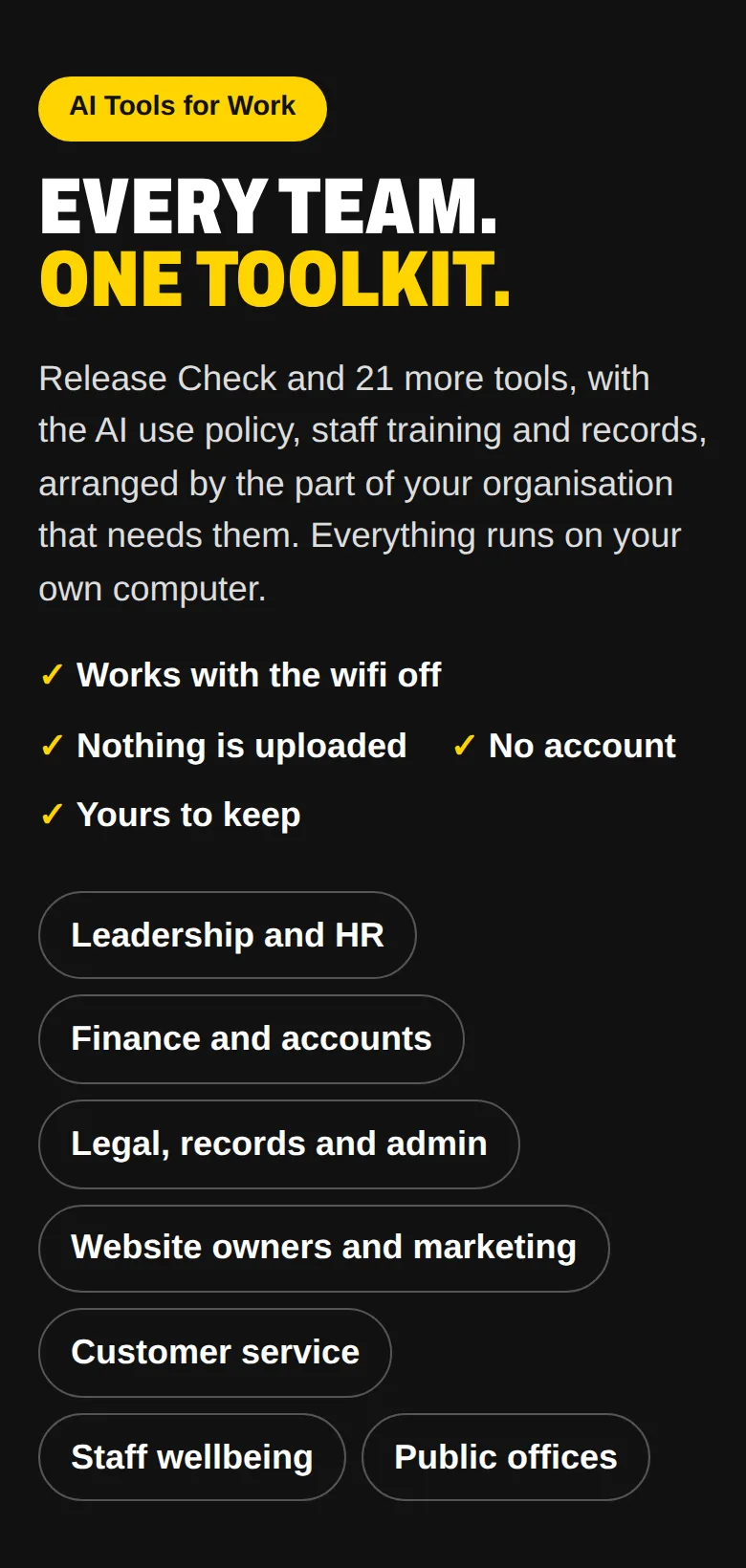
- 21 more tools in one folder, arranged by team, that work offline
- A trust statement for your data protection officer, and twelve months of updates
$119One payment · a team of up to ten in one organisation
Buy Artificial Intelligence Tools for Work · $119Registered charities, non-profit organisations, state-funded colleges, public offices and people working alone can ask for it at half price or less: see reduced prices.
No surprises: prices are in United States dollars and paid once, with no subscription. Gumroad, the shop that handles payment, shows the total, including any tax, before you pay. Every purchase can be refunded in full within fourteen days, for any reason. How refunds work.
For public offices
Accountable by design.
Every check runs on your own computers, documents are checked before each release, and a Public Office Supplement to the policy says a named official is responsible for every decision and artificial intelligence never decides a benefit, licence or grant on its own.
The specification
Exactly what you get.
- In the download
- A start page that sorts every tool by team, Release Check (full version), 21 more tools, the artificial intelligence use policy (United Kingdom, European Union, United States), training slides, quiz, training record and artificial intelligence tool register, the Never Paste poster, the Public Office Supplement, the before-release checklist and a trust statement for data protection officers
- Runs on
- Any computer with a current web browser. Nothing to install: double-click START-HERE and it opens. Copy the folder to a shared drive for your team.
- Needs the internet
- No. Turn it off and try.
- You may
- Use it on up to ten people’s computers in one organisation, and edit the documents
- You may not
- Resell it or pass it off as your own product
- Please note
- The documents are templates, not legal advice. For a decision with legal consequences, ask a lawyer where you operate.
- Updates
- Twelve months included
- Refund
- Fourteen days, for any reason
$119
Artificial intelligence rules in place
this week.
The rules, the training, the records and the tools, in one folder.
Free check
Is this AI app or extension safe?
Before anyone on your team installs an artificial intelligence app or browser extension, paste its description, permissions or advert into the free AI app and extension check. It points out warning signs such as installs from outside the app stores, requests for passwords or keys, and access to every website you visit. It runs on your own phone or computer.